Every card you collect, followed up
Mitvon turns a stack of business cards into a sales pipeline. It scans offline, checks its own work, tracks every lead from new to closed, and reminds you who is waiting.
The problem
Cards get collected. Follow-ups get forgotten.
After an event, cards sit in a pocket and the momentum is gone. Mitvon closes the gap between meeting someone and following up.
Smart capture
Auto flash in low light, auto capture when the image is sharp, guidance for front and back.
Review with confidence
Auto crop with adjustable edges and a per-field confidence score before you save.
Rich contact data
Name, role, company, services, mobile, WhatsApp, LinkedIn and more, plus where you met.
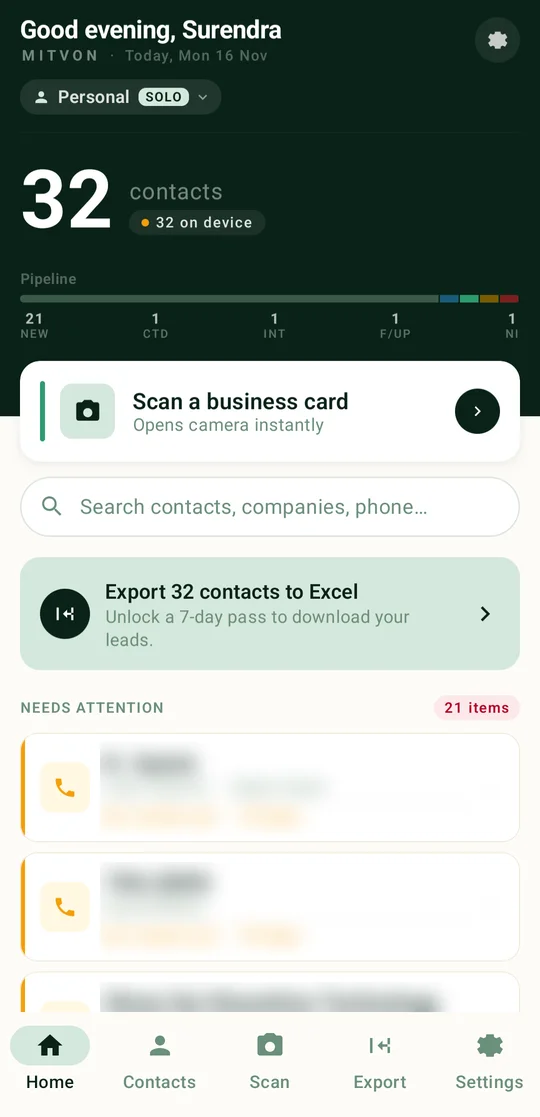
Sales pipeline
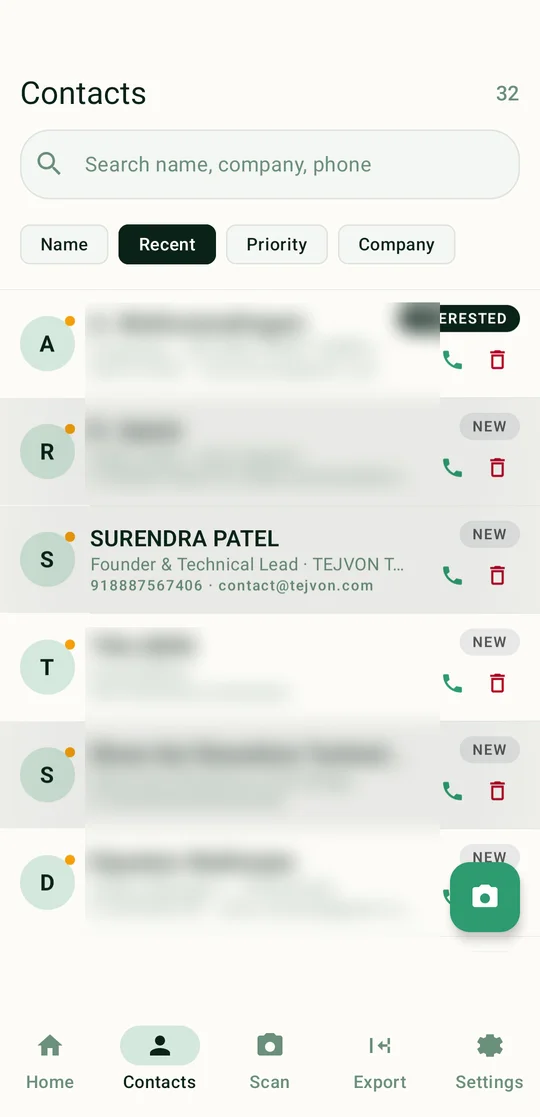
Move each lead from new to contacted, interested and follow-up, and see the whole pipeline at a glance.
Needs attention
Home shows who has not been contacted yet and for how many days.
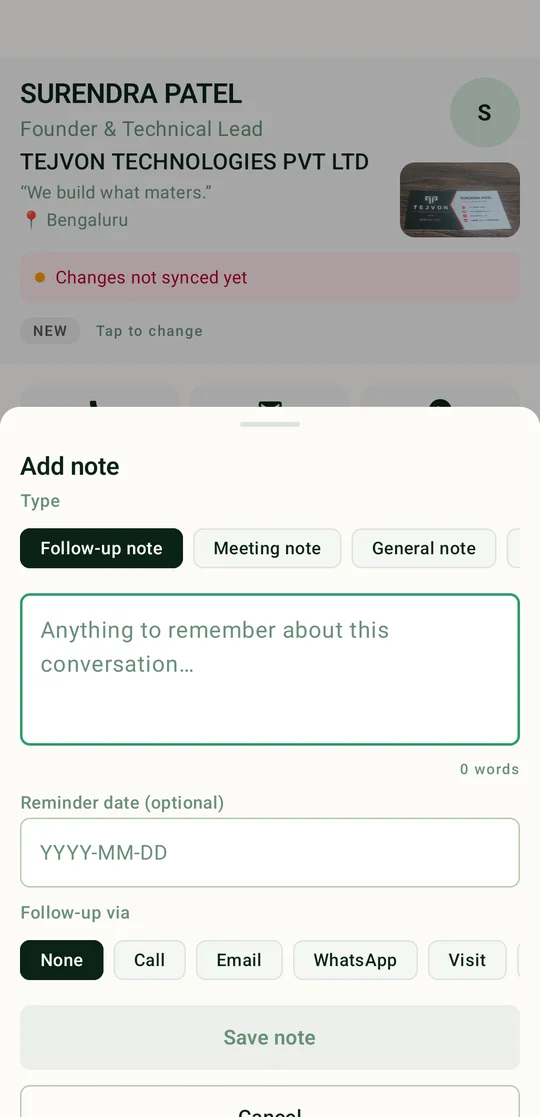
Typed notes & reminders
Follow-up, meeting or general notes, each with a reminder date and channel: call, email, WhatsApp or visit.
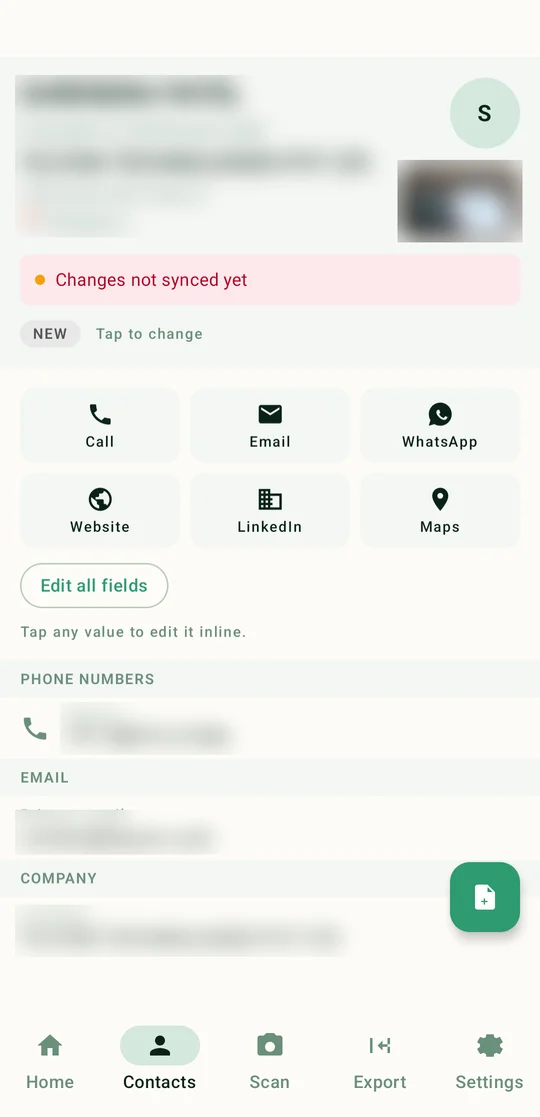
One-tap actions
Call, email, WhatsApp, website, LinkedIn and maps straight from the contact.
Workspaces
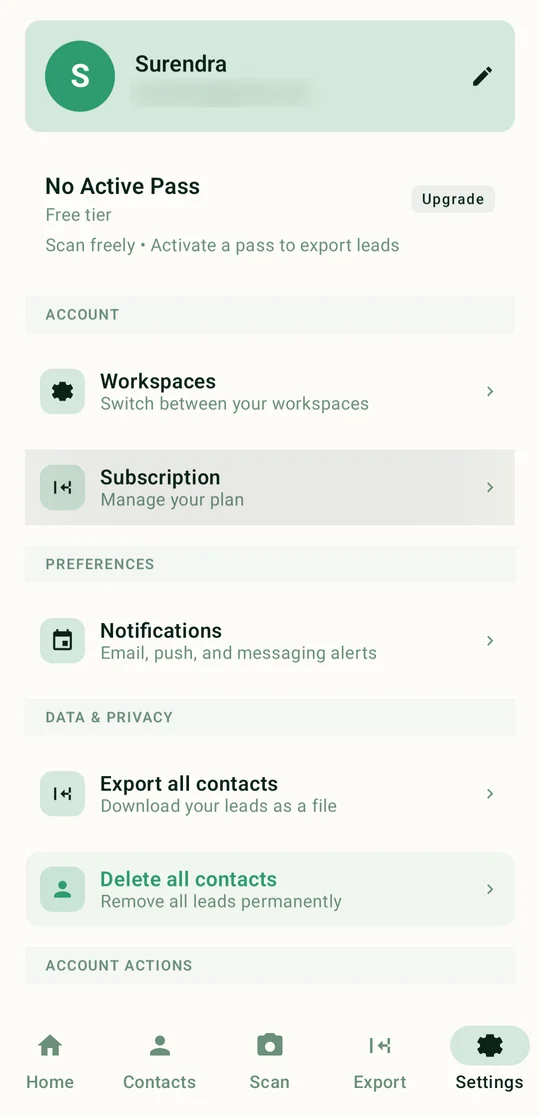
Keep personal and team contacts separate, and switch in a tap.
Export to Excel
Download every lead as a spreadsheet for your CRM or sales team.
How it works
From card to conversation in three steps
Scan
Point the camera. Mitvon checks light, focus and edges, then captures the card front and back on its own.
Review
Every field arrives with a confidence score. Fix anything in a tap, add where you met and why.
Follow up
The contact joins your pipeline. Call, email or WhatsApp in one tap, and get reminded until you do.
Pipeline
Every lead has a stage
See at a glance who is new, who is warm and who needs a nudge.
01
New
Just scanned, not contacted yet
02
Contacted
First call, message or email done
03
Interested
A real conversation is underway
04
Follow-up
A next step is scheduled
05
Not interested
Closed, kept for the record
Inside the app
A closer look at Mitvon
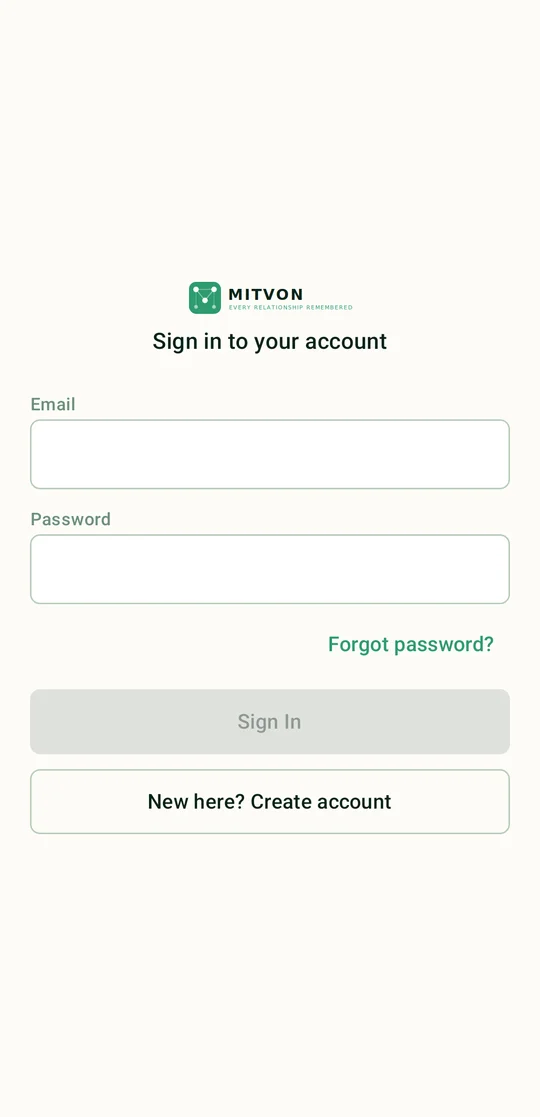
Real screens from the current build. Contact details are blurred for privacy.
Pricing
Scan free. Pay only when you export.
Free
- Unlimited card scanning
- Offline OCR with confidence review
- Pipeline, notes and reminders
- One-tap call, email and WhatsApp
Export pass
- Everything in Free
- Export all contacts to Excel
- Ideal after an event or expo
- No subscription lock-in
FAQ
Mitvon questions
Does Mitvon need the internet to scan?
No. Scanning and text extraction run on the phone, so it works in expo halls and basements with no signal. Changes sync when you are back online.
How accurate is it?
Typically 80 to 90 percent of fields are right first time, and every field shows a confidence score so you know what to check.
Can my team use it?
Yes. Workspaces separate personal and team contacts, so a sales team can share one pipeline.
Is it on iPhone?
Mitvon is on Android in private beta first. Join early access to hear about iOS.
Stage: Private beta
Be first to try Mitvon
Join the early access list for launch news and beta invites.